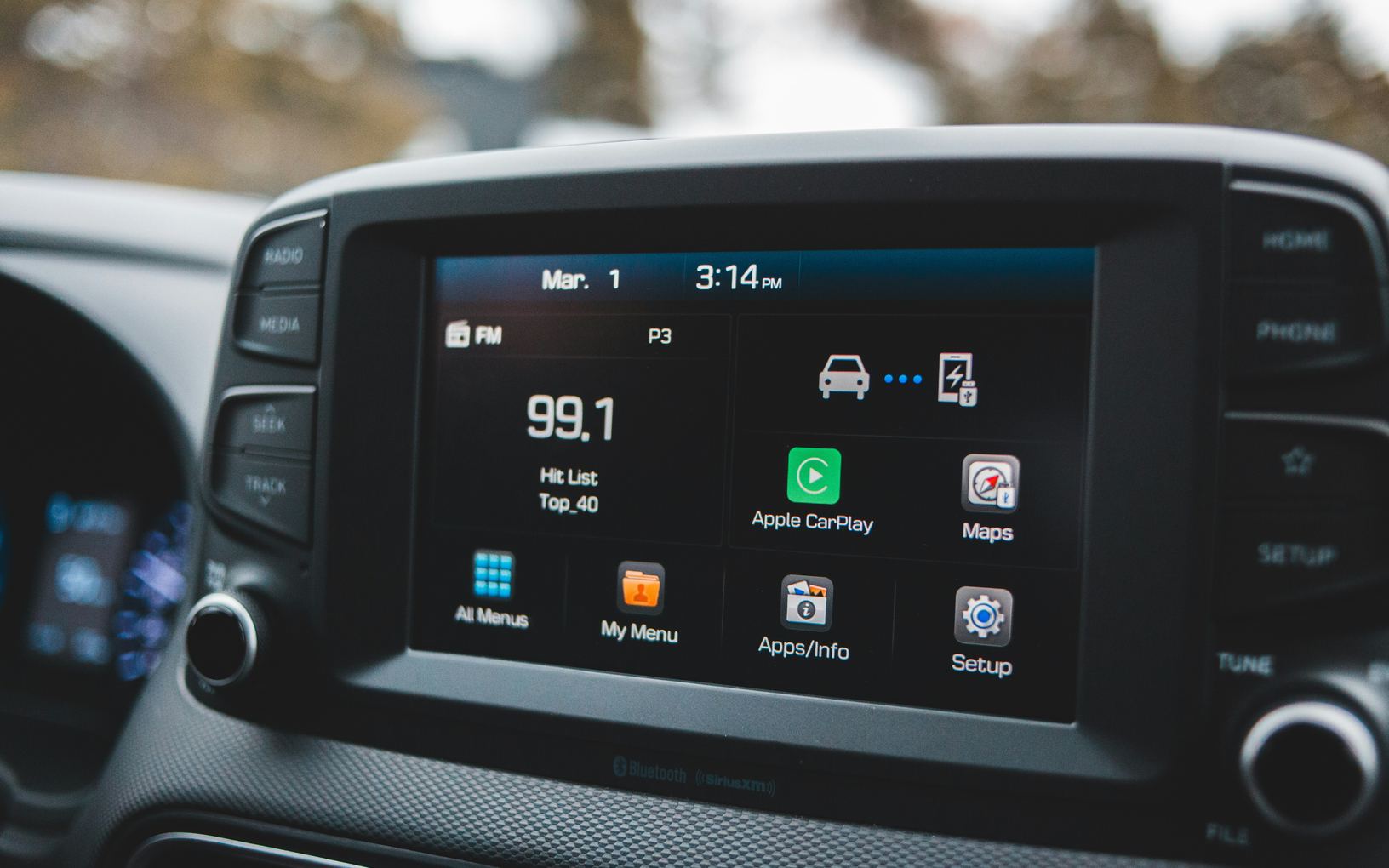
Many cars can now download new software through their own cellular connection or a home wireless network, much as a phone does. An update can fix a fault, change a screen or adjust how the car drives. A little preparation keeps an install from landing on a morning when you need to leave.
What an update can change
Car software runs the screens, the navigation, the charging, the driver assistance features and, on many cars, parts of how the motor and brakes behave. An over-the-air update delivers a new version of that software without a visit to a service department. Some updates are small fixes, while others add features or rearrange a menu you knew well.
Some recall work is done this way too. When a carmaker fixes a safety recall in software, the car may download the fix and ask you to install it. The article on recalls and software history, in the used cars section, explains how to check that work on a car you are thinking of buying.
- Fixes for faults in the screens, apps or charging
- New features or a redesigned menu
- Changes to how driver assistance behaves
- Safety recall fixes, on cars that support them
How the car fetches new software
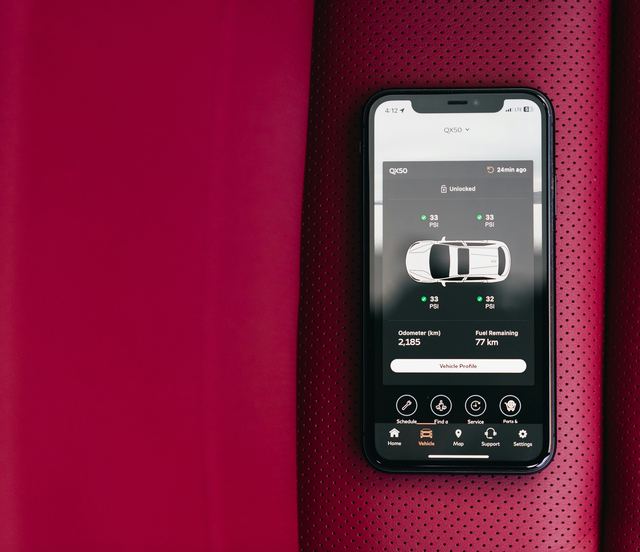
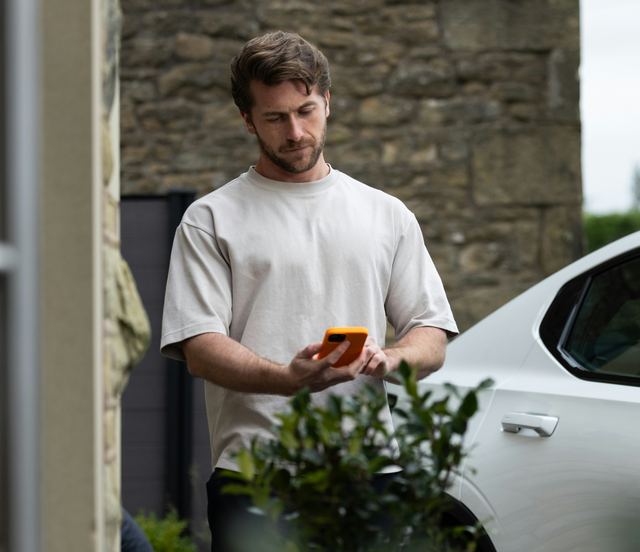
Most cars with this feature have a built-in cellular connection, and many can also join a home wireless network for larger downloads. The car downloads in the background, then asks before it installs. Some cars need the touchscreen or the carmaker's app to approve the install, and some updates still need a dealer visit.
Downloading and installing are separate steps. The download usually happens while you drive or while the car sits parked and connected. The install usually needs the car parked and switched off, and during it you may not be able to drive, lock or charge the car.
Before you press install
The car normally shows how long the install will take and what it changes, in release notes on the touchscreen or in the app. Read them, since a moved menu or a changed driving feature is easier to accept when you know it is coming. Pick a time when nobody will need the car, such as overnight at home.
Check the conditions the car asks for. Many want the car in park on level ground with the doors closed and enough charge in the battery, and some refuse to start below a set level. Do not try to drive, keep opening the doors or unplug a charger partway through unless the screen says it is fine.
- Parked somewhere you can leave it for a while
- Enough battery charge, as the car's prompt describes
- Release notes read, so the changes are no shock
- Nobody in the household planning to use the car
When something seems off afterward
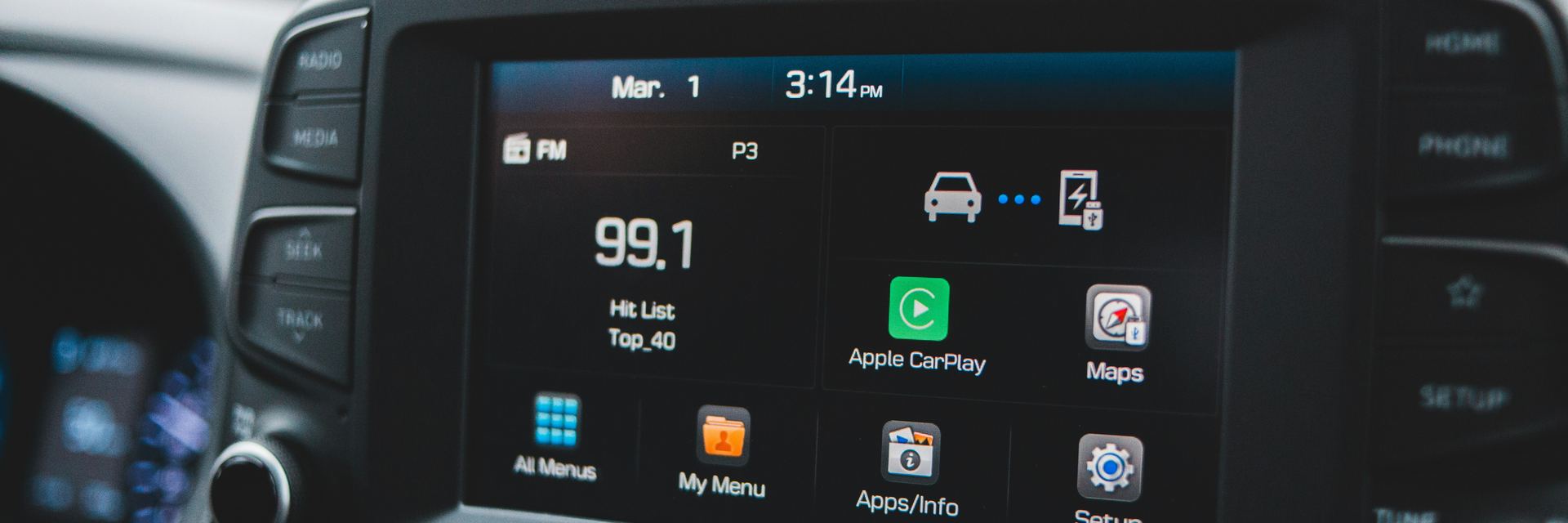
After an update, a setting may move to a new place or return to its default. Go through the driver assistance and regenerative braking settings again, and check that your phone still connects. If a phone stops connecting, removing the car from the phone and pairing again often sorts it out.
An install that fails, a warning light that appears afterward or a car that will not start goes to the carmaker's service department. Many cars show a message saying the update did not finish and what to do next. Keep a photo of that message, since it helps the service department find the cause.
Knowing which version you have
The software version usually sits on a settings screen about the car or its system. Note it in your own records after each update, with the date, so you can tell a service department what changed and when. Some carmakers also send the release notes by email or keep them in the app.
Not every car updates itself. Some take new software only at a service visit, and others update the maps and screens over the air but nothing deeper. Your owner's manual says which kind your car is, and the service department can confirm it.
What to take away
- Updates can fix faults, add features or move menus
- Install while parked, with time to spare
- Read the release notes before you accept
- Recheck your settings and your phone afterward
Try it while parked
- Find the software version screen in the settings
- Look for the update settings and any schedule option
- Read the release notes from the last update
- Check whether the car can join your home wireless network
Questions
Many cars let you postpone an update, and some keep reminding you until it is installed. A safety recall fix is worth installing promptly, and the release notes usually say when an update includes one.
Some do, for example by adjusting driver assistance, charging or regenerative braking, and the release notes should say so. If the car feels different afterward, go through the settings before you assume a fault.