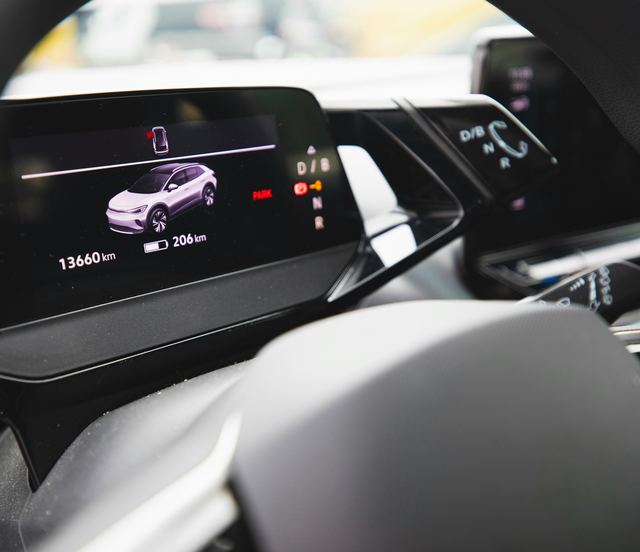
Driver assistance settings and how to live with them
The settings behind adaptive cruise, lane help and the warnings, and the habits that keep the driver firmly in charge.
- Reading time6 min
Section
Car tech
Modern cars, electric or not, carry a lot of software and a lot of settings. Most of what surprises new owners comes from a default nobody chose or a habit nobody explained. These articles cover what each feature does, where its settings live and how to live with it.
Some of the technology changes how the car drives. Driver assistance can hold a gap or nudge the steering while the driver stays in charge, and regenerative braking slows an electric or hybrid car when you lift off the pedal. Over-the-air updates can change both, and the range estimate and energy screens show how the car is using its battery.
The rest is about the phone in your pocket and the data the car keeps. Digital keys, phone pairing and companion apps tie the car to your phone, preconditioning warms or cools the cabin before you leave, and some features are sold as subscriptions. The last articles in the section explain what the car records and how to clear it before a sale.
The guides
The settings behind adaptive cruise, lane help and the warnings, and the habits that keep the driver firmly in charge.
How an electric or hybrid car slows itself when you lift off the pedal, the settings that change it, and how to get used to it.
How a car downloads new software by itself, what an update can change, and how to install one without being caught out.
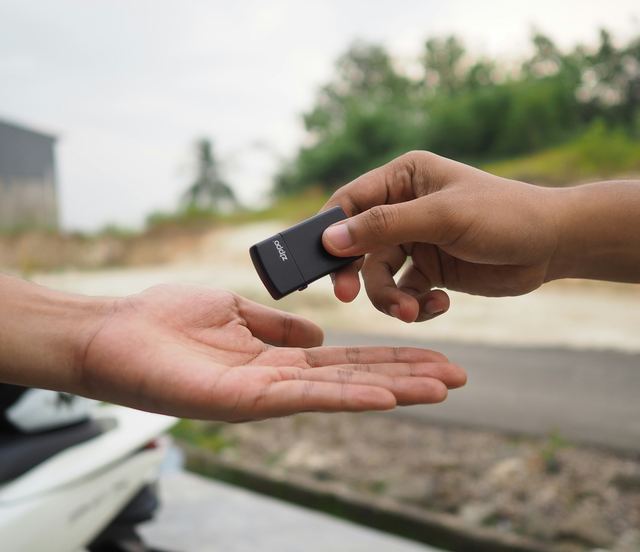
How a phone or a key card unlocks and starts a car, how to share access, and why a physical backup still belongs in your bag.
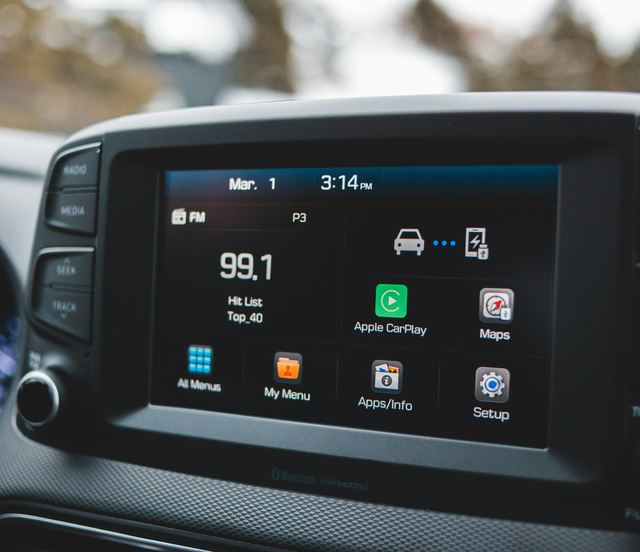
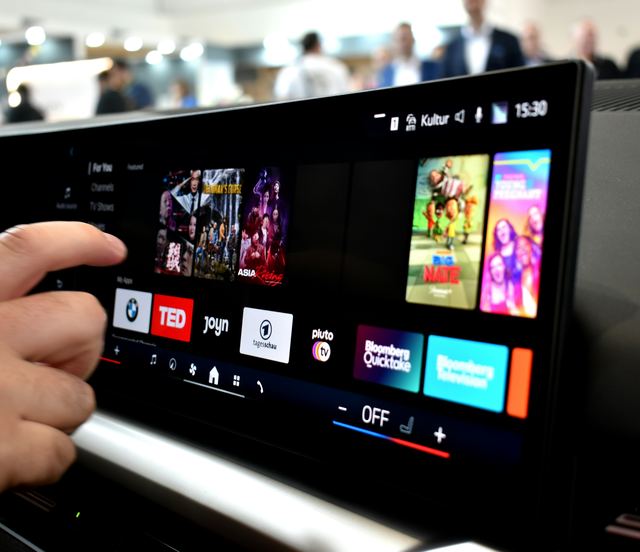
The difference between pairing a phone for calls and audio and mirroring its apps on the touchscreen, and how to set up both.
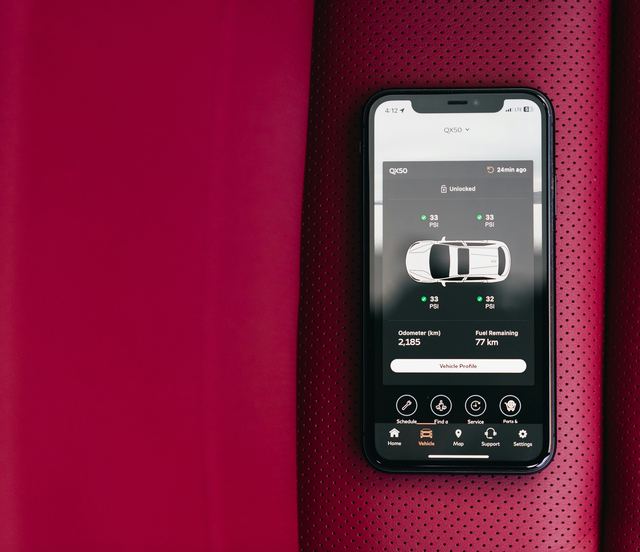
What the carmaker's own app can do from your phone, the settings worth checking, and why the car should still work without it.
What a connected car can record and send, where its privacy settings live, and how to read the notice that explains them.
How the car works out its remaining range, why the number drifts, and which energy screens tell you more than the dash does.
Warming or cooling the car before you leave, scheduling it around your week, and the climate settings that keep people comfortable.
Why some car features are switched on by software, what happens when a trial ends, and what to check before you sign for a car.
Removing your phones, addresses, accounts, garage door codes and keys from a car before you sell it, trade it in or hand it back.
Questions
The fit check turns six answers about your week into a short reading list.
Take the fit checkNo. Names, menus and what each feature does vary by carmaker and by model, and they sometimes change with a software update. These articles describe how the features generally behave, and the owner's manual has the exact steps for your car.
Sit in the parked car with the owner's manual open, or its digital version on the touchscreen, and work through one menu at a time. Many cars show a short help note beside each option. The carmaker's service department can answer what the manual leaves out.
Change settings and set up phones, navigation and apps before you move, or pull over and park first. Never handle a phone while driving. Voice control and the steering wheel buttons are there for small changes on the road.
Most cars still start and drive with a key fob or a key card, and the phone adds convenience on top. A phone key and remote commands do depend on it. Keep a physical key or card with you so a dead phone cannot leave you stuck.
Start with the simple checks: restart the car, read any message on the screen and look up that feature in the manual. A warning light, a fault message that stays, or a feature that misbehaves after a repair goes to the carmaker's service department. These articles do not diagnose faults on any particular car.