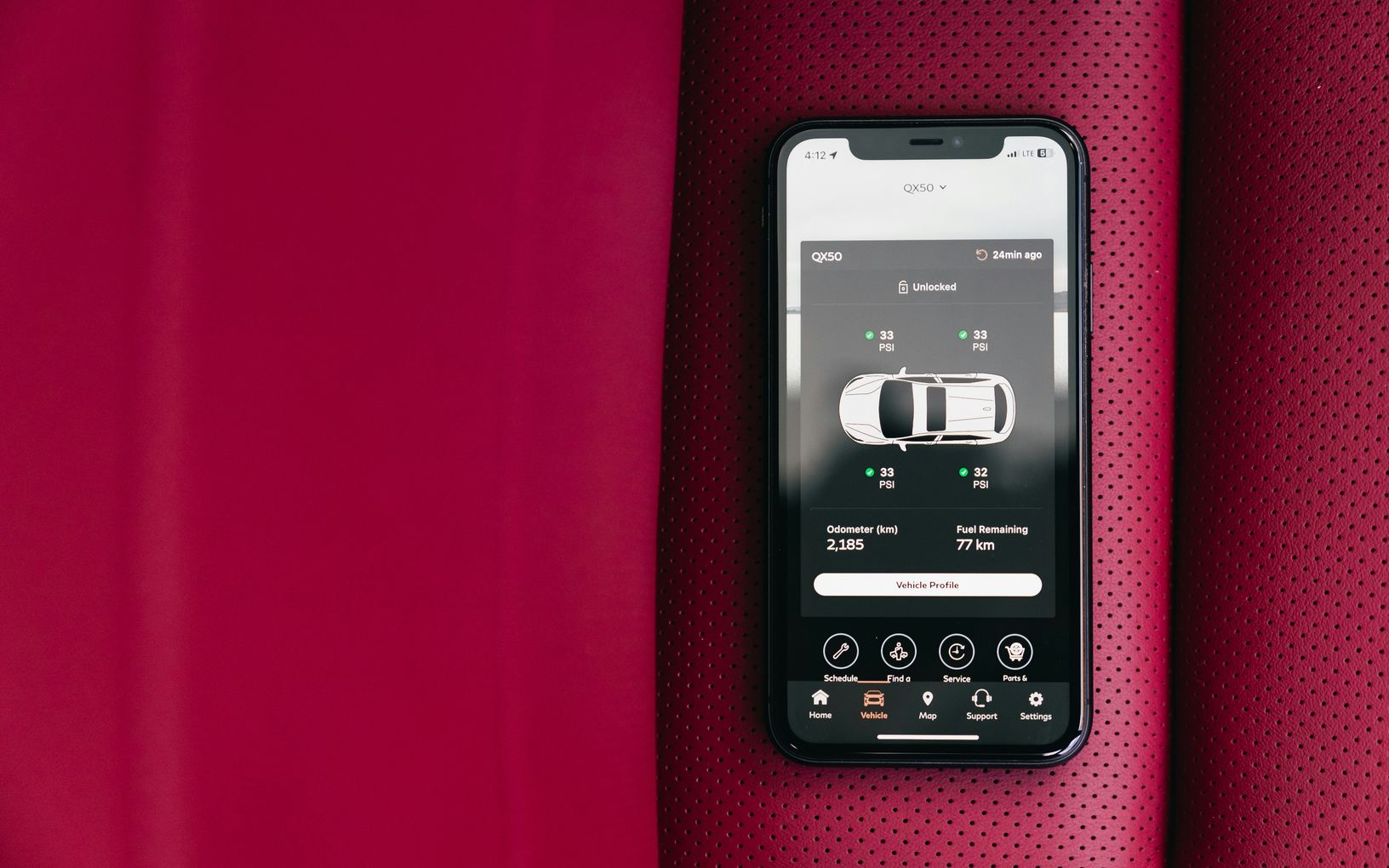
A digital key lets a phone, a watch or a thin card unlock and start the car in place of a key fob. It is handy right up until the phone goes flat in a parking garage. Set it up carefully and know your backup, and it becomes one of the easier parts of a modern car.
The kinds of digital key
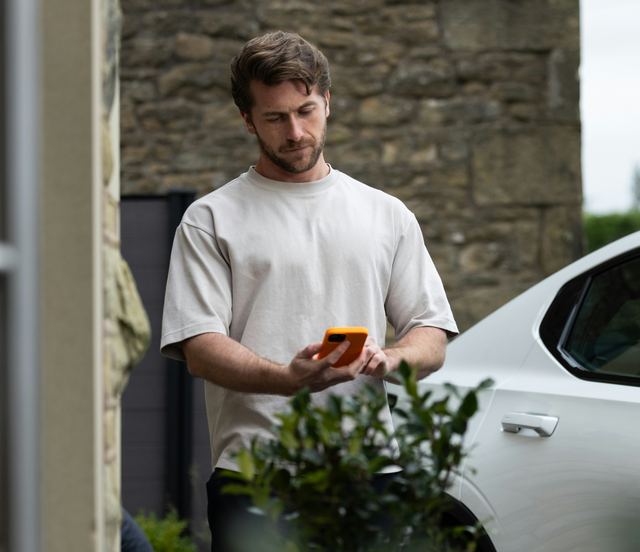
A phone key uses a short-range radio link, so the car notices the phone as you walk up or asks you to hold it near the door handle. A key card works the same way when tapped on a marked spot on the door pillar or the console. Some cars can also unlock through the companion app, over the internet.
Many cars with a digital key still come with a regular fob, and most fobs hide a small metal key for the door. Know which of these your car has before you rely on the phone. The owner's manual shows where the card reader, the hidden key and the backup spot for a dead fob are.
- A phone key that works as you approach
- A phone or card you tap on a marked spot
- Unlocking through the app over a data connection
- A regular fob, often with a metal key inside
Setting it up at home
Setup usually happens inside the car, with a fob or card already present, through the touchscreen and the carmaker's app. Do it parked at home, with the phone charged and time to read each step. The car may ask you to confirm on the screen, tap a card or sign in to an account.
Turn on the phone settings the key needs, such as its short-range radio and the app's permissions, and leave them on. Battery-saving modes on some phones switch those off in the background, and the key stops working without any warning. The manual and the app's help pages list what the phone must allow.
Handing access to someone else
Many systems let you send a key to another person's phone, sometimes with limits such as a top speed or set hours. That is simpler than handing over a fob, and you can take the key back from the app. Remove access when the person no longer needs it, including a valet or a repair shop.
A shared key does not teach anyone the car. Show the other driver how to start it, where the backup key lives and what to do if their phone dies. A teenager driving alone should carry the physical key or card as well as the phone.
When the phone dies or the car ignores it
A flat phone, a phone left at home or a confused connection in an underground garage can leave a phone key useless. Carry the key card or fob in a wallet or bag, so a dead phone does not strand you. Some phones keep a car key working briefly after the battery runs low, but that varies, so do not plan around it.
If the car will not see the phone, try the card or fob first, then check the phone's settings. Most cars have a marked spot where a fob with a flat battery can still start the car, and the manual shows where it is. Keep a spare fob battery at home and swap it when the car warns that the fob is low.
- Key card or fob carried as a backup
- Metal key located and tried once in the door
- The backup spot for a dead fob found in the manual
- A spare fob battery kept at home
If a phone is lost or replaced
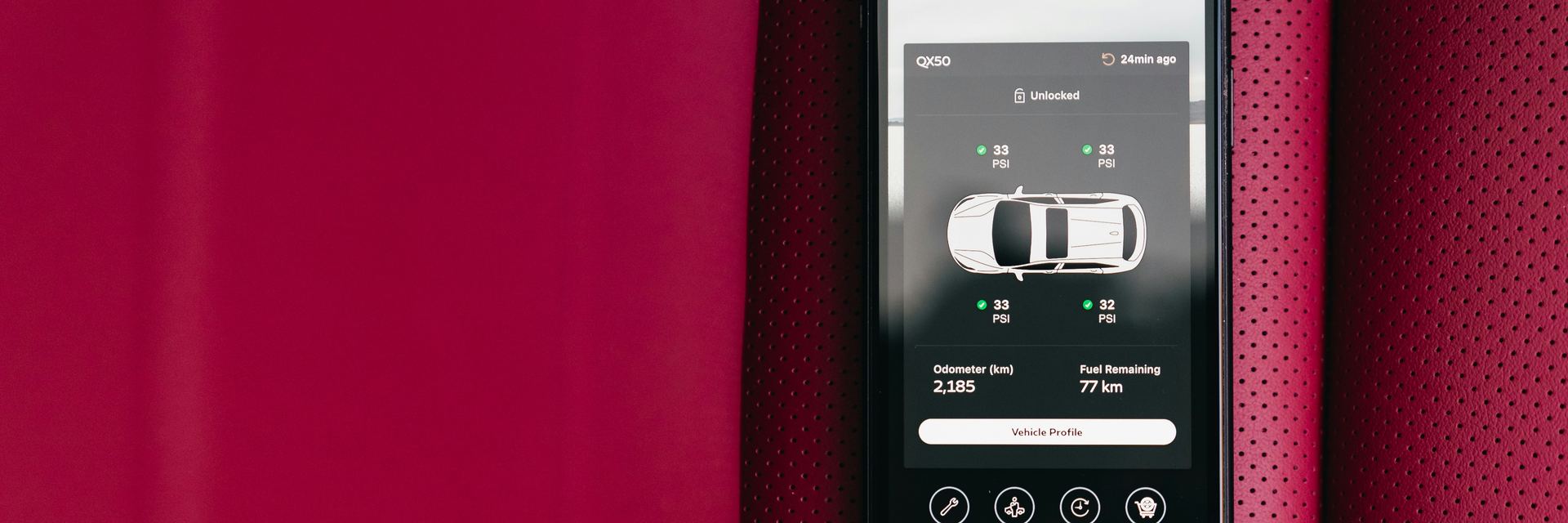
Remove a lost phone's key from the car or the account straight away, using the touchscreen or another device you are signed in on. Someone holding an unlocked phone could otherwise open the car. Change the account password too, since the app may be able to unlock and locate the car.
When you change phones, set up the key on the new one and delete it from the old one before you pass that phone on or recycle it. Clearing the car itself is a separate job for when the car changes hands, covered in the article on wiping your data before selling.
What to take away
- Keep a key card or fob with you as a backup
- Set up the phone key at home, with the phone charged
- Watch for battery-saving modes that block the key
- Remove keys from lost phones and old phones
Try it while parked
- Find the key card reader on the pillar or console
- Locate the metal key hidden in the fob
- Lock and unlock with the phone while standing nearby
- Find the spot where a dead fob can still start the car
- Check which phone settings the key needs left on
Questions
Each has weak points: a fob can be lost, and a phone can go flat or be stolen. A locked phone with a strong passcode, an account with a strong password and prompt removal of lost keys cover most of the risk.
Many phone keys work over a short-range link and need no signal at all. Unlocking through the app does need a data connection, for both the phone and the car. The owner's manual says which method your car uses.