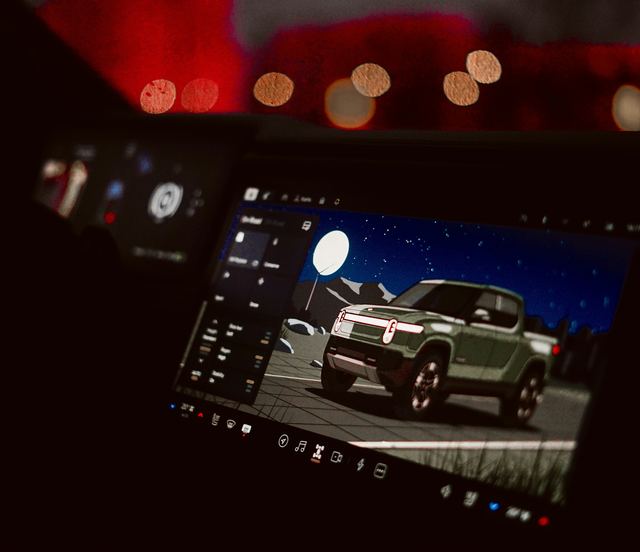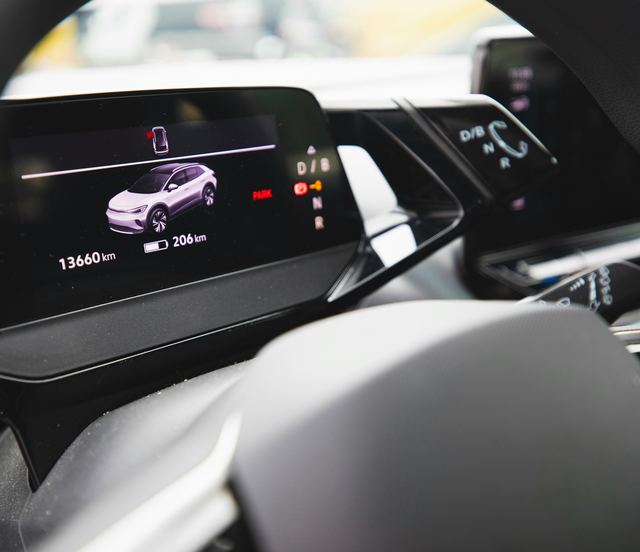
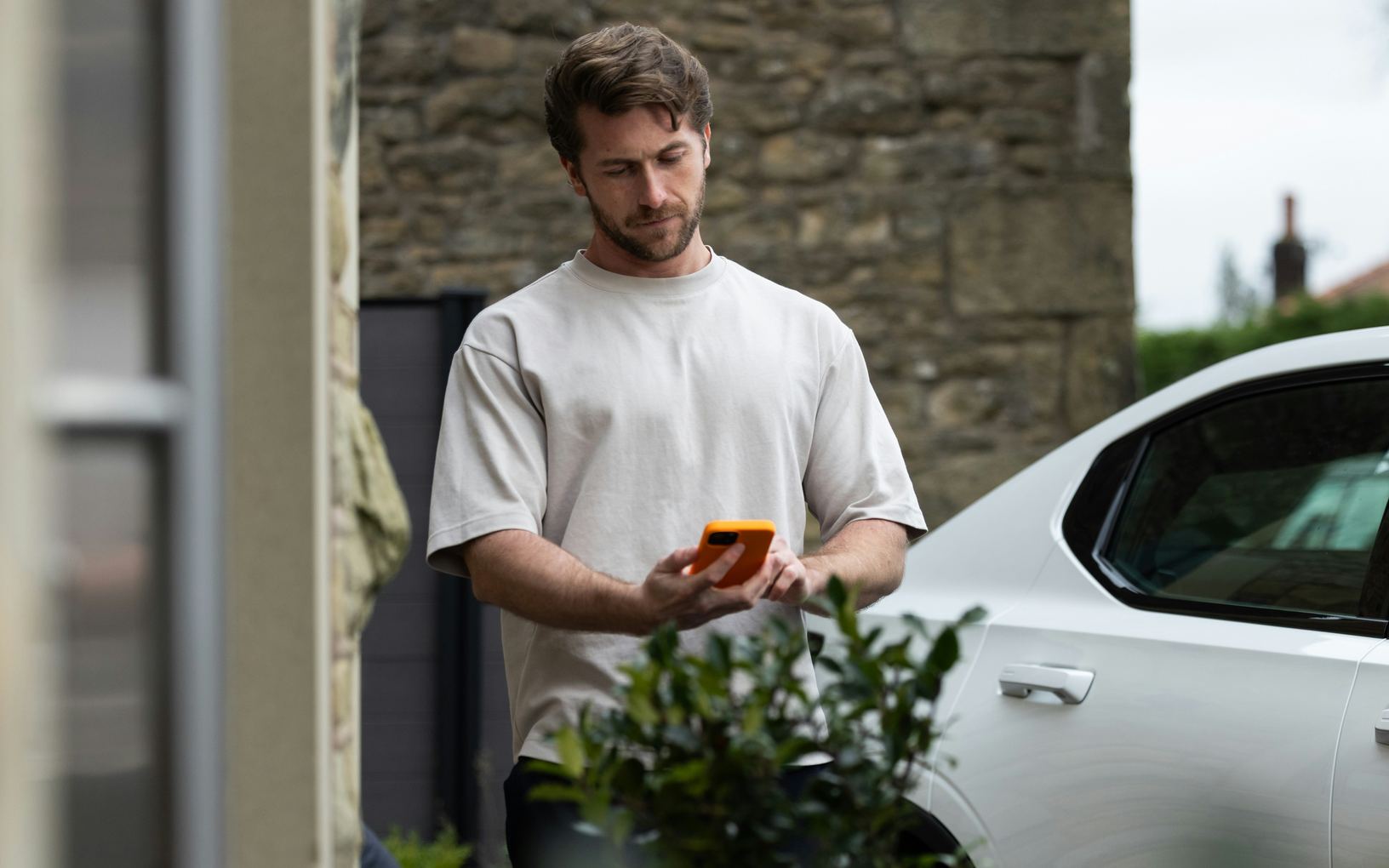
Many cars now come with an app from the carmaker that talks to the car through its built-in connection. It can lock the doors, show the charge, start the climate control or find the car in a crowded lot. Treat it as a convenience, set it up with care and keep a way to manage the car without it.
What the app can reach
A companion app talks to the car through the carmaker's computers and the car's own cellular link. On most cars it shows the battery or fuel level, where the car is parked and whether the doors are locked. Many also start the climate control, set when charging happens, send a destination to the navigation and show service reminders.
What it can do varies by car and by version, and some connected features depend on a subscription, which the article on features sold as subscriptions explains. The app's help pages and the owner's manual list what your own car supports.
- Lock, unlock and check the doors and windows
- See the charge or fuel level and where the car is
- Start the climate control before you leave
- Send a destination to the car's navigation
- Read service reminders and warning messages
Setting up the account
Setup usually links your account to the car through the touchscreen, a code or the vehicle identification number, and the car may ask you to confirm from the driver's seat. Use a strong password that you use nowhere else, and turn on the extra sign-in step if the app offers one. Anyone with your login can find and open the car.
Decide who else needs access. Many apps let the main account holder invite another driver with a login of their own, which is safer than sharing yours. Look over the list now and then and remove anyone who no longer drives the car.
Permissions and alerts
The app may ask for your location, notifications and permission to run in the background. Location helps it find the car and send routes, and notifications bring charging and security alerts. Allow what you will use and turn off the rest in the phone's settings, though a phone key may need some of them left on.
Tune the alerts so the useful ones stand out. A message that a door is unlocked or that charging has stopped is worth a sound, while a weekly driving summary may not be. Many apps let you choose each alert separately, so it is worth going through the list once.
- Location on only if you use it to find the car
- Sound for security and charging alerts
- Summaries and tips silenced or switched off
- Background activity allowed if a phone key needs it
Remote commands and their limits
Remote commands travel over the internet, so they can be slow or fail where the car has a weak signal, such as a deep parking garage. The app may show the last known status rather than the live one. Check when the status was last updated before you trust it.
Starting the climate control from the app is handy, but a car with a combustion engine must never idle inside a shut garage. Follow what the owner's manual says about where remote start is allowed. Some cars cancel a remote start after a set period or if a door opens without a key nearby.
Keeping control without the app
Servers go down, phones get lost and accounts get locked. Keep the key fob or key card with you so the car never depends on the app alone, and learn how to lock it, charge it and check the charge from inside the car. The touchscreen covers most of what the app does.
When the car changes hands, its link to the old owner's account has to be removed, or that person may still be able to locate or open it. The article on wiping your data before selling covers the steps for the person selling and the person buying.
What to take away
- The app is a convenience, not the only way in
- Use a strong, unique password and the extra sign-in
- Invite other drivers with logins of their own
- Check how fresh the status is before trusting it
Try it while parked
- Lock and unlock from the app while standing by the car
- Find when the app last updated the car's status
- Turn off alerts you do not want and keep the rest
- Check who else has access in the account settings
Questions
Remote commands need the car to be online, so a car deep in a garage or far out in the country may not respond. A phone key that uses a short-range link can still work up close. The app usually shows when it last heard from the car.
It depends on what you use the app for. Location helps with finding the car and sending routes, but most tasks work without it. The article on car data and privacy covers what the car itself records.