A modern car is a computer with a cellular connection, and it notices a great deal about the people who drive it. Most of that serves a purpose you can name, such as navigation, remote unlocking or a call for help after a crash. Knowing what it gathers, and which menu controls it, lets you keep the parts you use and turn down the rest.
The kinds of information a car can gather
Carmakers group this information in different ways, but the same broad kinds turn up across most connected cars. Location is the obvious one: where the car is parked, the routes it takes and the places you search for. Driving behavior is another, meaning how hard you brake and accelerate, how fast you go and when the car is on the road.
A paired phone adds a second layer. Many cars copy your contacts, call history and sometimes text messages into the touchscreen so you can use them by voice. Voice commands themselves may be processed away from the car, and some cars carry interior cameras or seat sensors that note who is sitting where. Your carmaker's privacy notice lists what yours collects.
- Where the car goes, parks and stops
- How it is driven: braking, speed, cornering, time of day
- Contacts, call logs and messages copied from a paired phone
- Voice commands spoken to the car's assistant
- Camera and sensor readings from inside and outside the car
Where the information travels
Some data stays inside the car and is overwritten as new data arrives. Other data leaves through the car's built-in cellular connection and goes to the carmaker, which may use it to run connected features, study faults or improve its products. A notice may also describe sending some of it to service providers or to other outside companies.
The phone app tied to the car adds its own trail, since it often reads the car's location and charging state from afar. The article on companion apps covers what the app itself can do. Here, the useful habit is to treat the car, the app and the carmaker's account as one system with settings in each place.
Finding the settings that control it
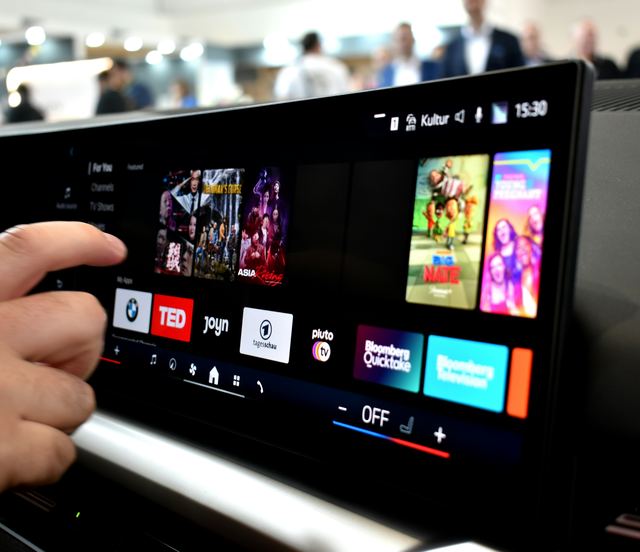
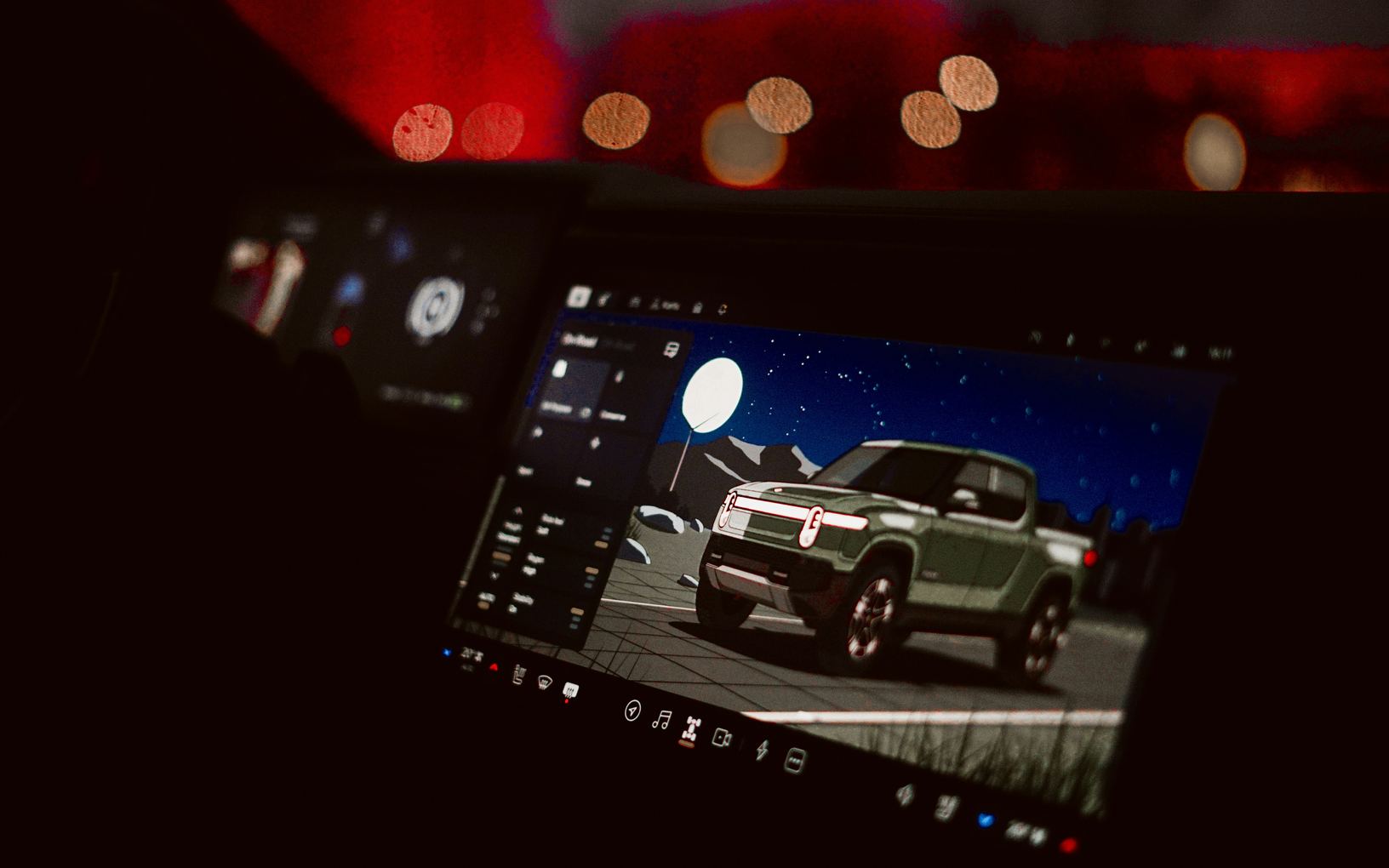
Start with the touchscreen. The controls are usually in a settings menu under a heading such as privacy, connectivity, data sharing or connected services. Some cars offer a single switch that turns off most sharing at once, and others list each kind of data on its own line with its own switch.
Then check the carmaker's account, through its app or its owner pages, because a few choices live only there. Expect trade-offs: turning off location sharing can stop live traffic or remote unlocking from working. The owner's manual explains which features need which setting, and whether an emergency call after a crash still uses location when other sharing is off.
- Location sharing for connected features
- Sharing of driving behavior and trip history
- Contact and message download from a paired phone
- Storage of voice recordings
- Use of your data for marketing messages
Reading a privacy notice without getting lost
A carmaker's privacy notice is long, but it answers a handful of plain questions if you read it with them in mind. Look for what is collected, why it is collected, who receives it and how long it is kept. Search the page for words such as sell, share, disclose and outside parties to find the passages that matter most.
Notice, too, how the notice says you can ask for a copy of your information, ask for it to be deleted or say no to certain uses. Those instructions may point to a form, an email address or a menu in the car. If something is unclear, write to the carmaker at the address the notice gives and keep the reply.
- What is collected, in plain terms
- The reason given for each kind of data
- Who receives it besides the carmaker
- How long it is kept, and how to ask for deletion
- Which uses you can switch off, and how
Rental cars, shared cars and someone else's car
A rental or a car-share vehicle has carried other drivers before you, and it will carry more after. Pairing your phone may copy your contacts and messages into it, and navigating home leaves your address in its recent destinations. If you only need the phone for charging, plug it into a charging port and decline any prompt to connect or share data.
When you do pair, look for an option that skips contact and message download. Before you hand the car back, delete your phone from its Bluetooth list, clear recent and saved destinations, and sign out of any music or app account you entered. The same steps apply when you return a friend's car or a loaner from a service department.
What to take away
- A connected car can record location, driving and phone data
- Privacy settings sit in the touchscreen and the carmaker's account
- Read the notice for what is collected, who gets it and for how long
- Clear your phone and addresses from any car you hand back
Try it while parked
- Open the privacy or connectivity menu on the touchscreen
- Count how many phones appear in the Bluetooth list
- Find the switch for contact and message download
- Look up the privacy notice link in the carmaker's app
- Check whether recent destinations show your home address
Questions
Most cars let you turn off a good deal of sharing, but some data still moves for safety functions or required messages to the carmaker. The privacy notice and the owner's manual describe what stays on and why. Turning sharing off usually switches off the connected features that depend on it, such as remote unlocking or live traffic.
In many cars, deleting a phone from the Bluetooth list also removes the contacts and call history it copied, but not every car works that way. Check the phone menu after you delete it, and look for a separate option to clear downloaded contacts. A full factory reset removes them in nearly every case, and the article on wiping your data covers it.
The carmaker is the place to ask, since it runs the connected services and writes the privacy notice. The notice lists how to reach its privacy team and how to request a copy or deletion of your information. A dealer can show you the menus, but the decisions about stored data usually sit with the carmaker.